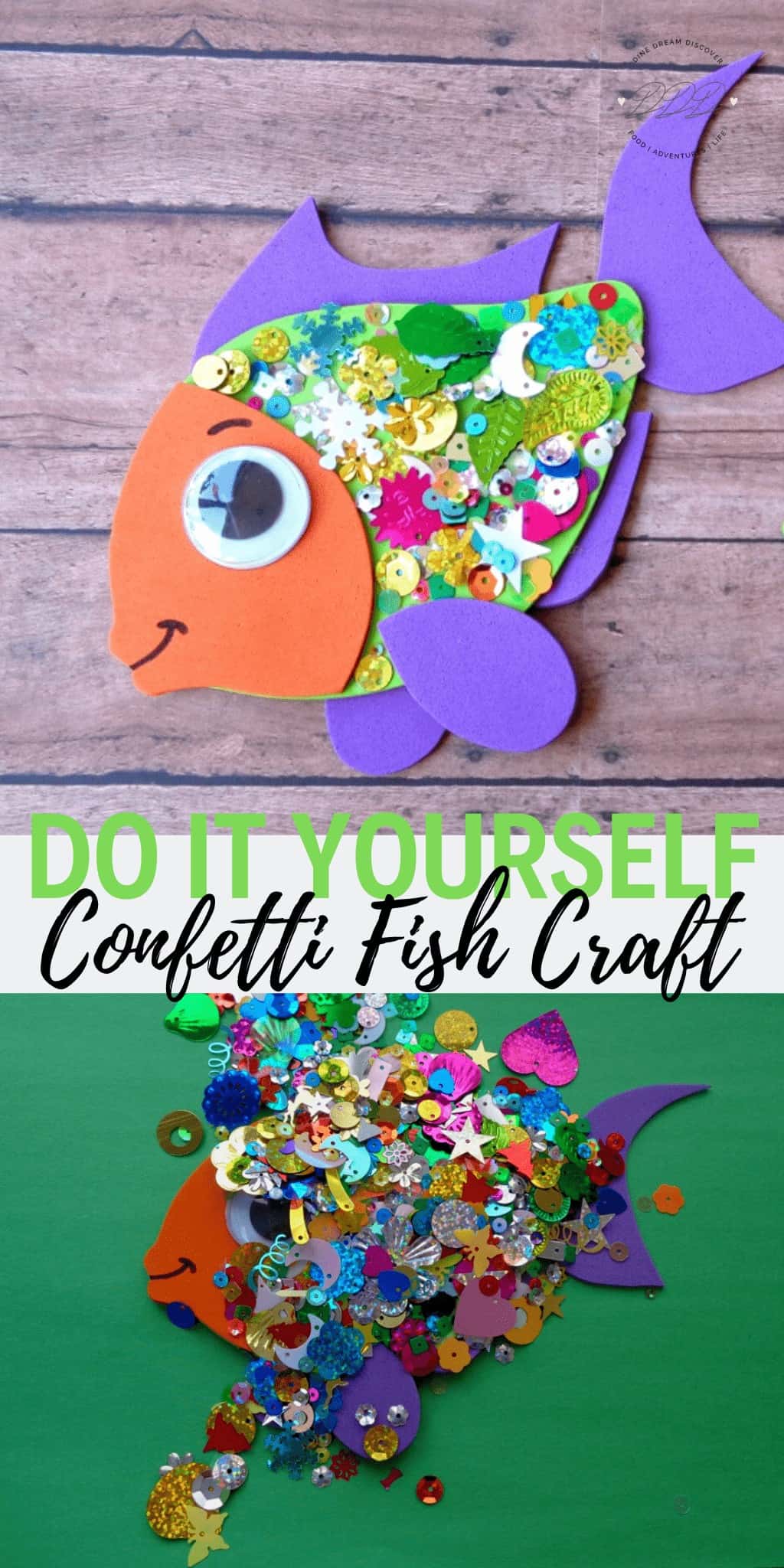
Kids will love this Confetti Fish Craft. Comes with the template you need for it. This cute, confetti-covered rainbow fish craft is a great activity.
This post may contain affiliate links. See my disclosure policy for more info.
Confetti Fish Craft for Kids with Template PDF
Kids love making new crafts and this Fish Craft is one they will love. This craft fish comes with the template you need for it. The cute, confetti-covered rainbow fish craft is a great activity.

Fish Craft Supplies


How to Make Rainbow Fish Craft
1. Begin by downloading and printing your FISH templates one and two. Click on the pictures below to download. 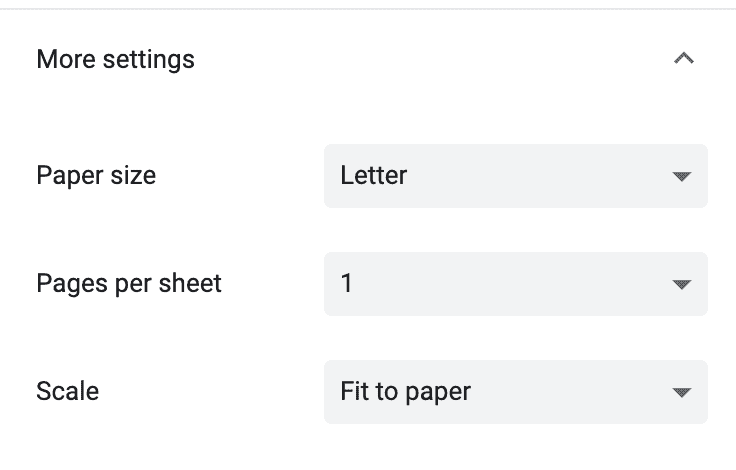
When you go to print, hit the fit to paper button under scale. It will then print the entire image. 
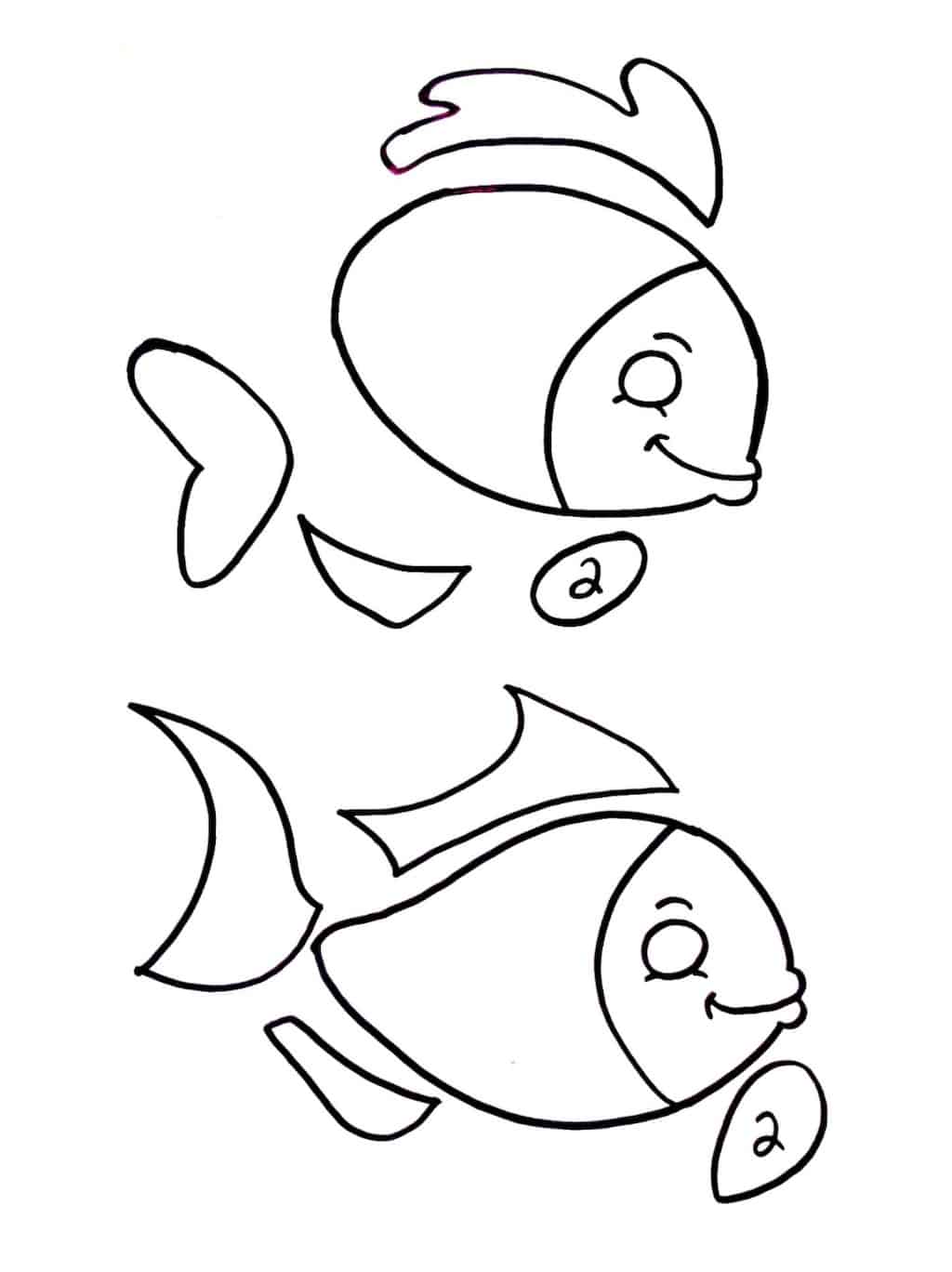
2. Cut the templates out and choose the colors of craft foam you’ll be making your fish. Trace your fish templates onto your craft foam and cut out.
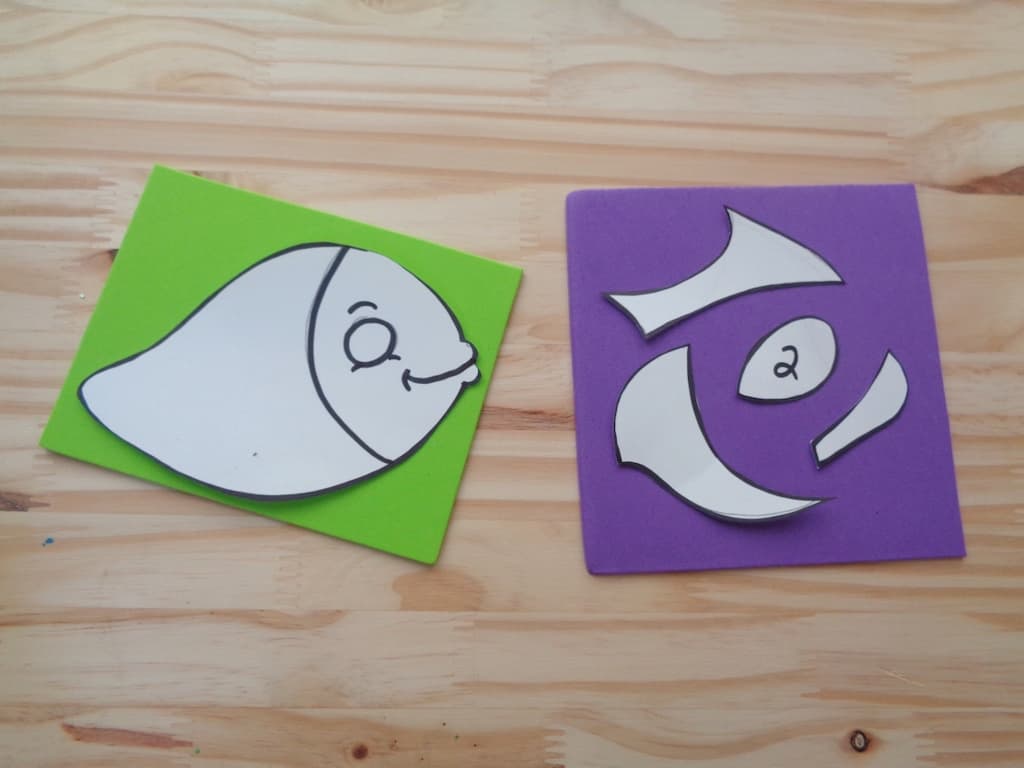
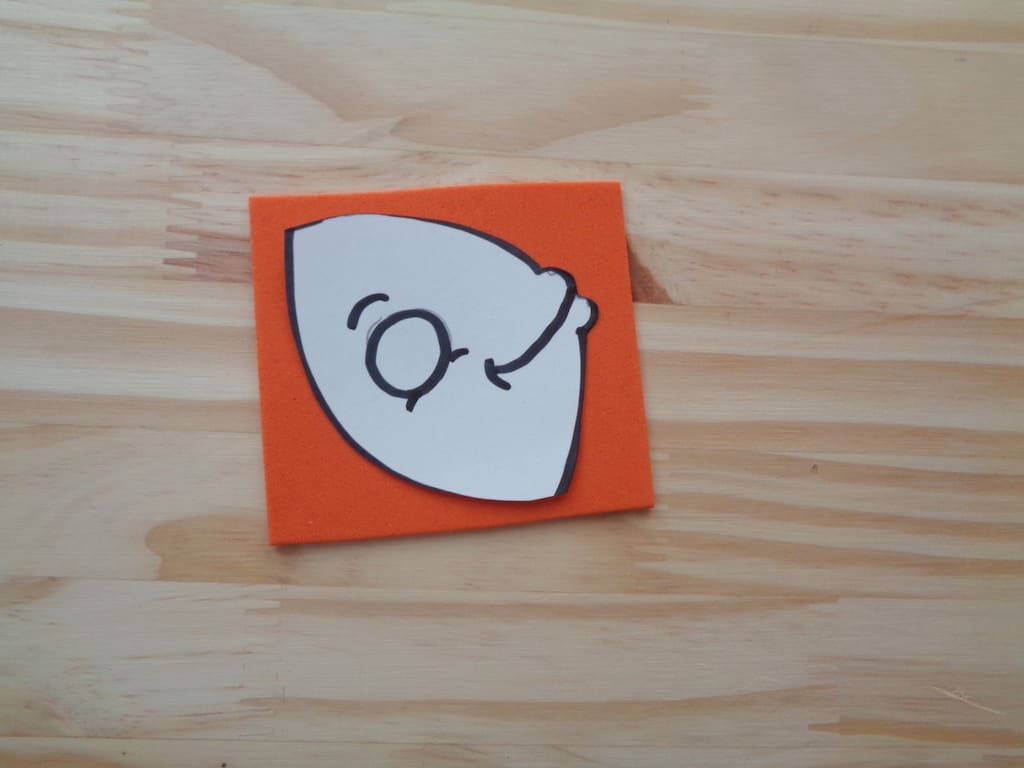
3. Cut your fish head from your fish template and trace onto craft foam. Cut out.

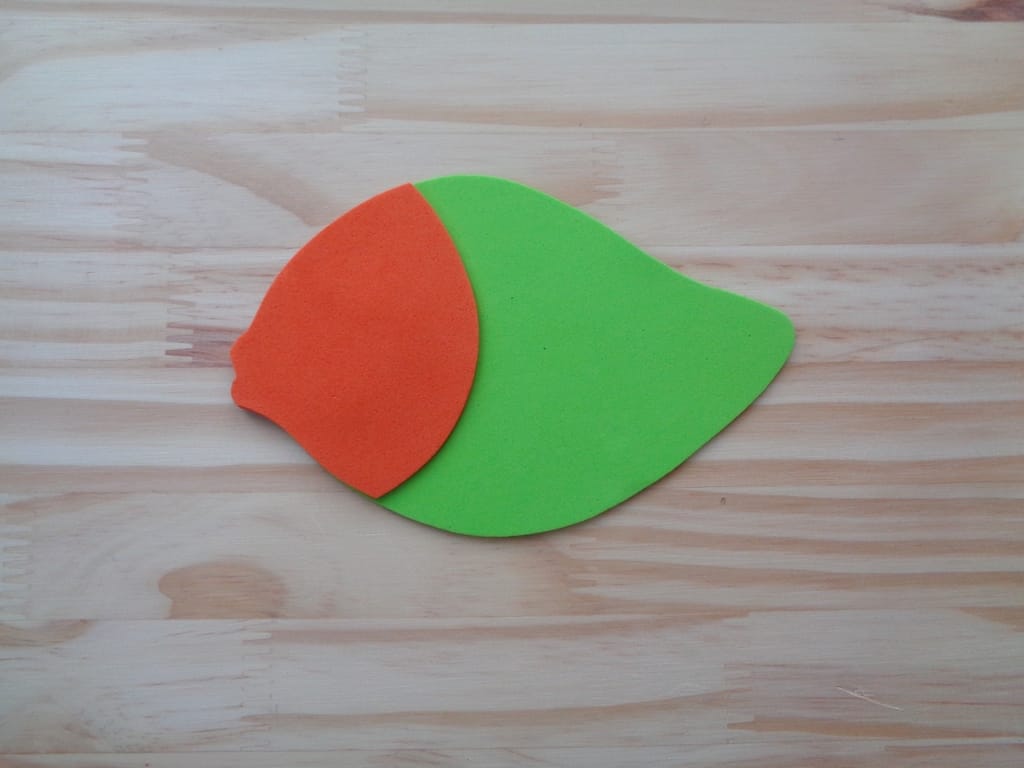
4. Glue your fish head onto your fish body.
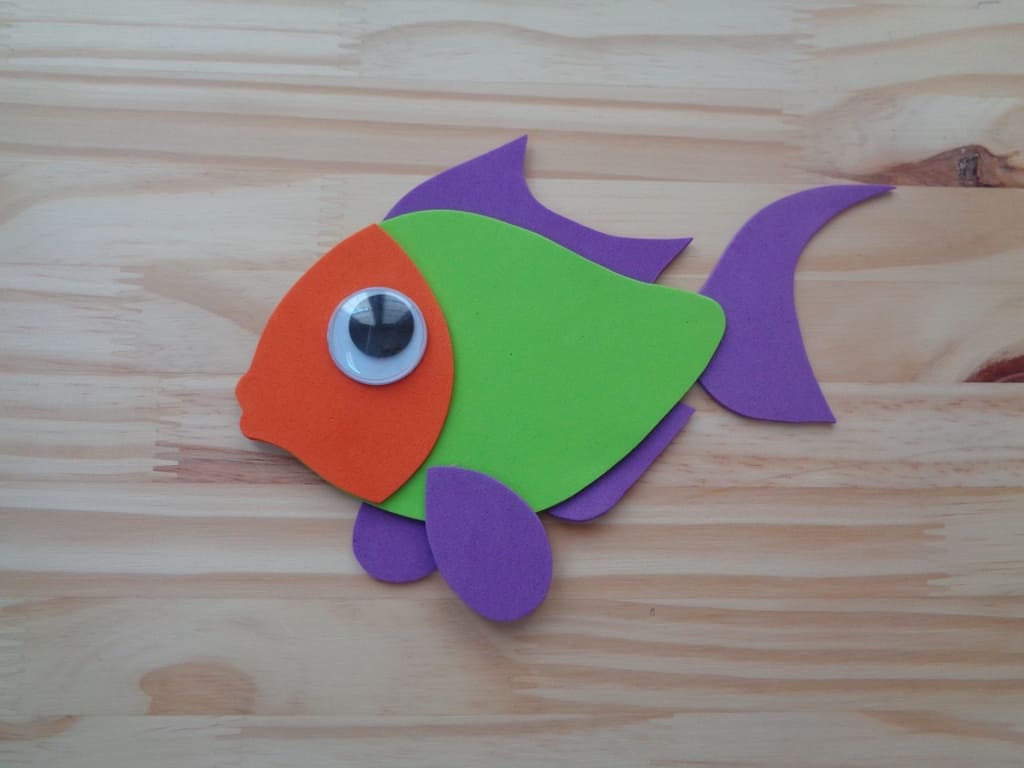
5. Glue your fish fins onto the body of your fish. (you’ll want to glue most of your fins onto the back of your fish to keep things looking tidy)

6. Glue on a googly eye.
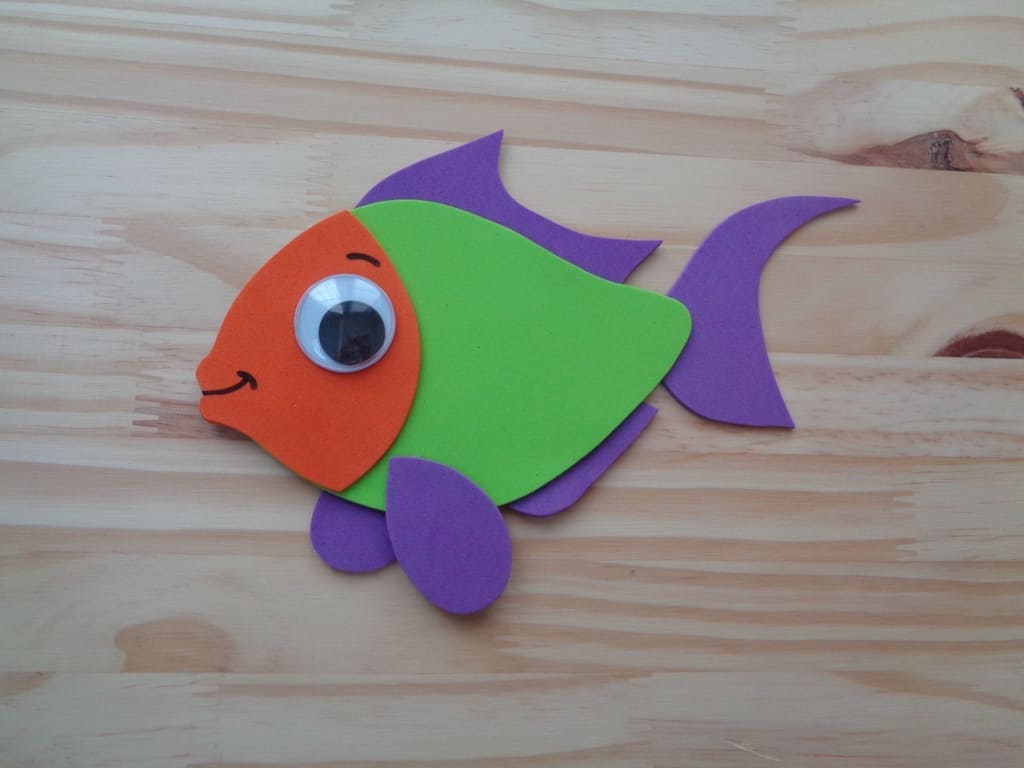
7. Draw a smile onto the face of your fish and add expression above your google eye with a black marker.
8. Coat the body of your fish in school glue and cover the entire surface in confetti. Gently pat the confetti into the fish with your hand. (you’ll want to do this step on a piece of paper, newspaper etc so that you can shake off the excess confetti and reserve it for a future project)
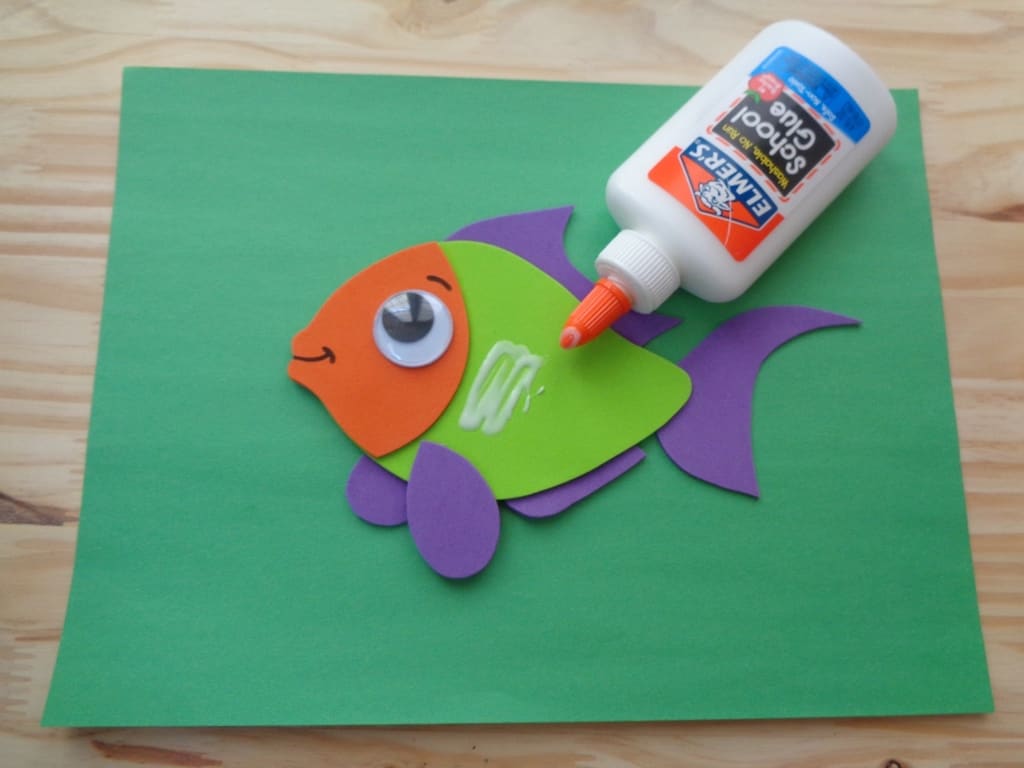

9. Gently shake the excess confetti off of your fish and allow it to dry completely. Your fish is complete!

[mv_create title="Fish Craft for Kids with Template PDF" key="136" type="diy" thumbnail="https://dinedreamdiscover.com/wp-content/uploads/2020/03/Confetti-Fish-Craft-for-Kids-1-1.jpg"]

Follow us on Pinterest and PIN IT FOR LATER!

Corinne Kolbe
when I print the fish, it is cropped off so you cannot get the full fish on paper
Mary
Oh no. So after trying to figure out why this was happening, there is an easy fix. When you go to print, hit the fit to paper button under scale. It will then print the entire image.